Setting up your new printer doesn't have to be a hassle. Follow these official guidelines to safely unbox, connect, and configure your printer for the first time.
1. Unboxing and Placement
Carefully remove all protective tape and packing materials from the outside and inside of the printer. Place the printer on a flat, stable surface near your computer or Wi-Fi router.
2. Powering On
Plug the power cord into the back of the printer and into a wall outlet. Turn the printer on. Select your language and region on the printer display.
3. Installing Ink Cartridges
Open the cartridge access door. Insert the provided ink cartridges into their respective color-coded slots until they click into place.
4. Loading Paper
Slide out the paper tray, adjust the paper width guides, and load a stack of plain white A4 paper. Push the tray back in.
5. Connecting to Wi-Fi
Navigate to the Network or Wireless settings on the printer display. Select your Wi-Fi network and enter the password.
6. Installing Official Drivers
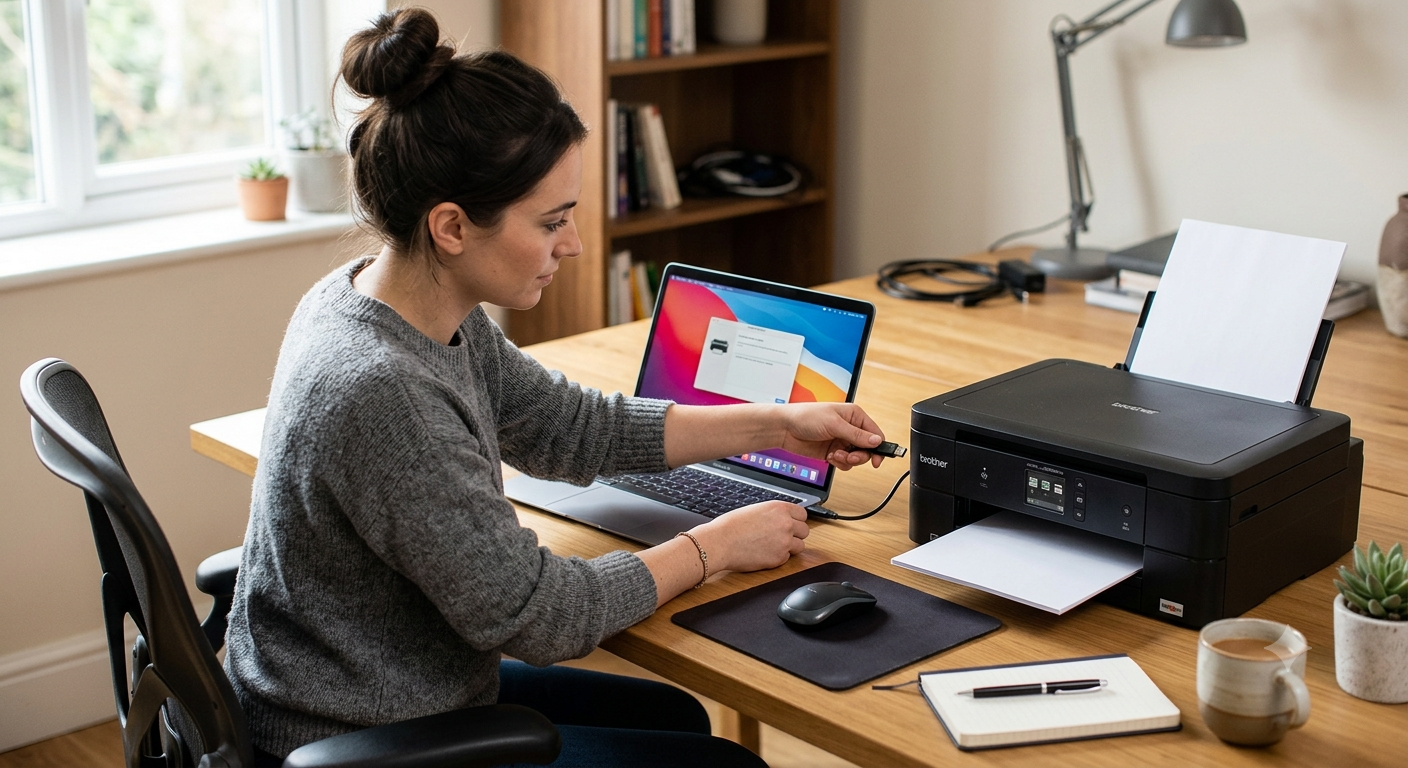
Always download the official software and drivers directly from the manufacturer's official website. Avoid third-party websites to ensure a secure setup.